Apr 2019
Bring the Journal to Bear
How I’m using Bear + Shortcuts to make journal entries.
Dark Sky API
To get weather data I used the Dark Sky API. You can make a free account to use with the journal shortcuts (or delete the weather part of the Shortcuts after you download them).
Make an account at Dark Sky and copy your Secret Key from the dashboard.
Use the key during setup of the shortcuts listed below.
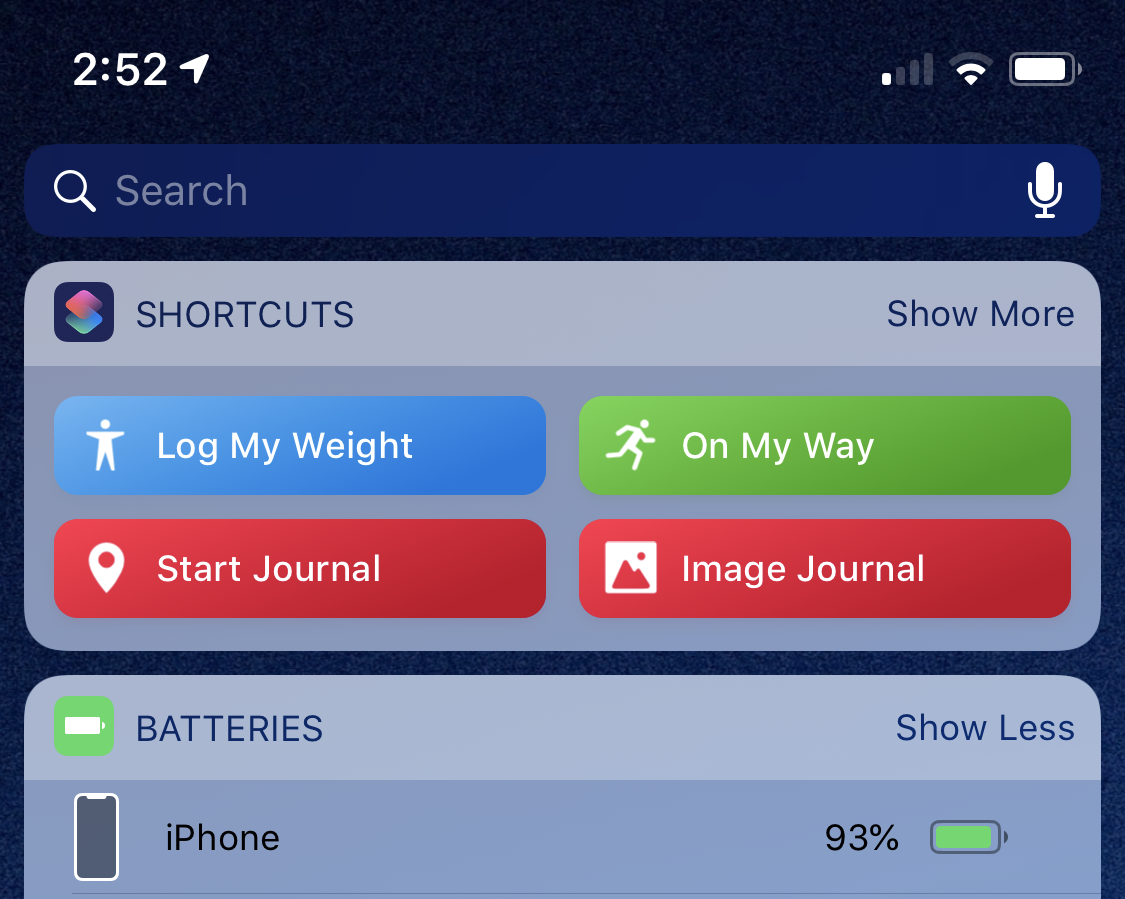
Journal Entry
- Makes a new entry in Bear
- Adds tags for date
- Adds tag for location (zip-code)
- Logs latitude & longitude
- Adds weather
Journal from Image
- Makes a new entry in Bear
- Adds the image you select to the note
- Adds tags for date of image
- Adds tag for location (zip-code) of image
- Logs latitude & longitude of image
- Adds weather from day of image
Example Journal Entry Output
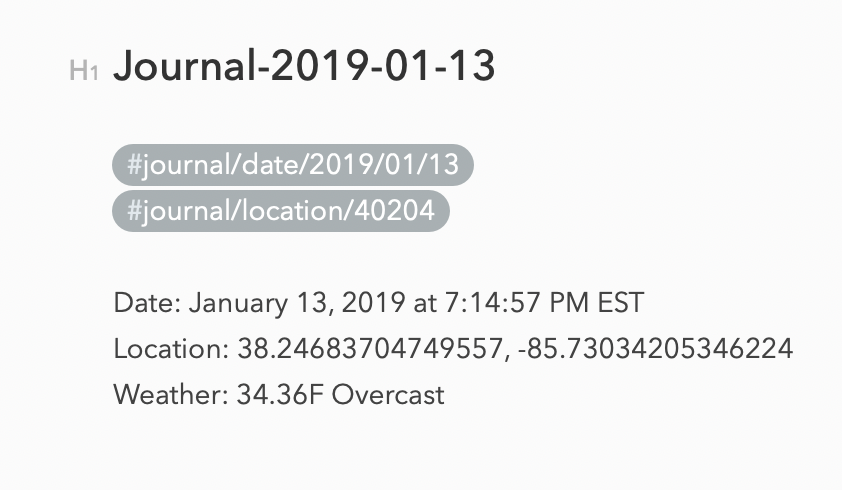
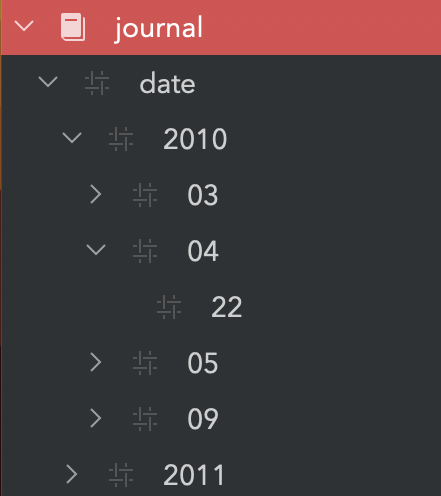
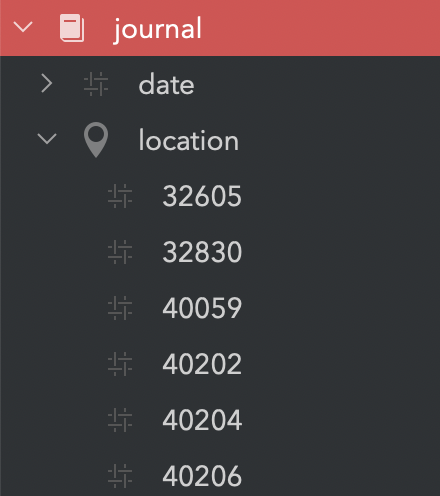
The nested date tags let you search entries by year, month, and day. The location tags let you search entries grouped by zip-code.
Enjoy!